 By Preston Kanak
How to Remove Logos From Your Video
This video shows you how to do simple logo removals. Using a combination of After Effects and Photoshop, the removals can be done in 9 simple steps.
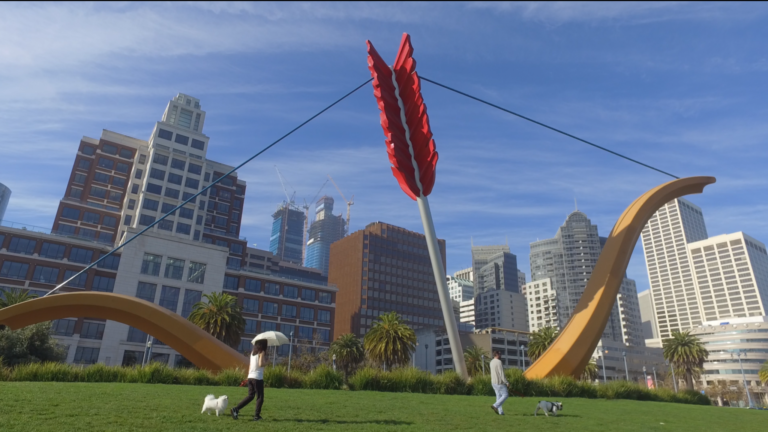
We've all had clients ask to have elements removed from a scene. The four options are:
- Say no (not really a good idea).
- Greek it before the shoot (looks like crap).
- Pay for someone to do it (can be expensive).
- Do it yourself.
Now, for most people, the last option isn't an option unless you have experience in After Effects. What I hope to do with this post is show one option that might allow you do to it in house. Keep in mind it is the quick and dirty option and may not work for your given application. However, it has worked for me time and time again.
The Process
1. Import Video Footage.
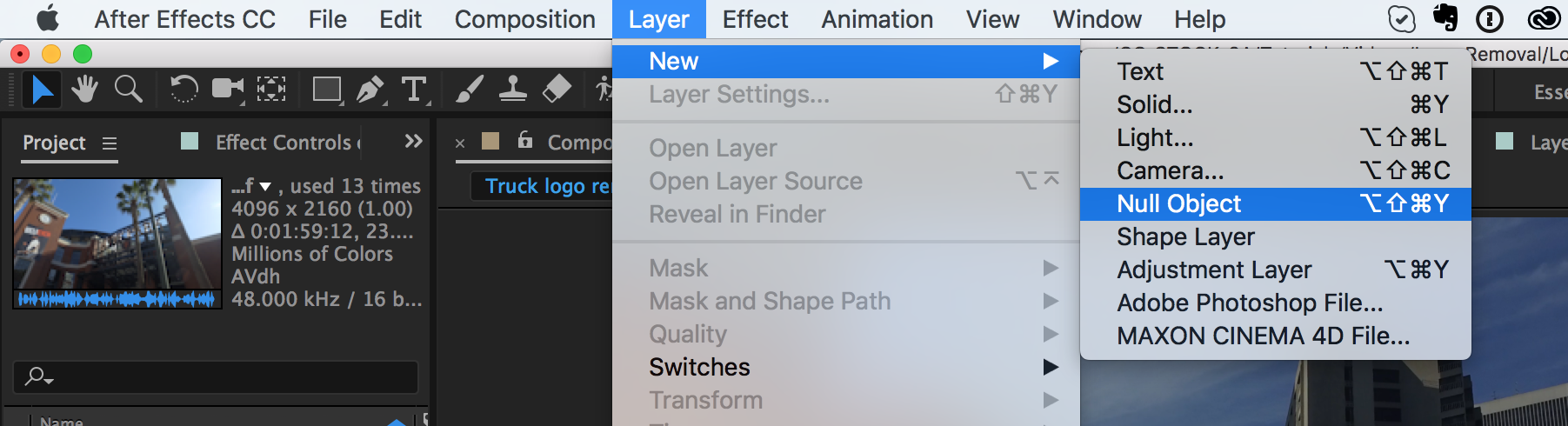
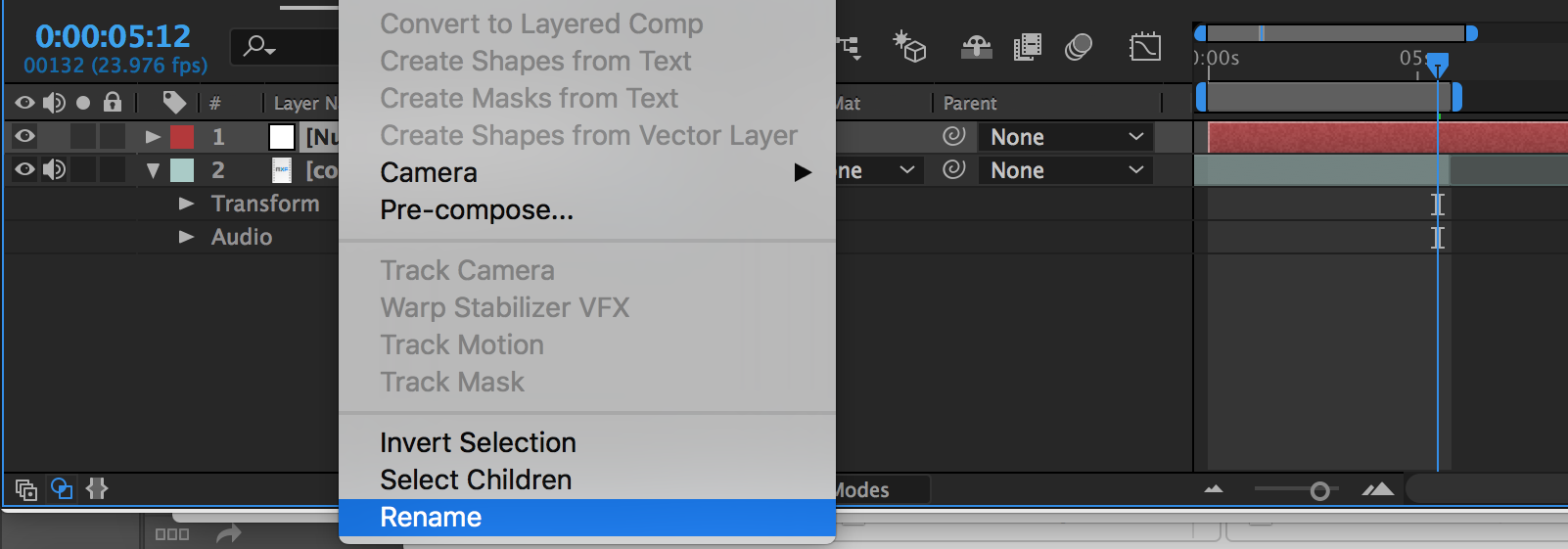
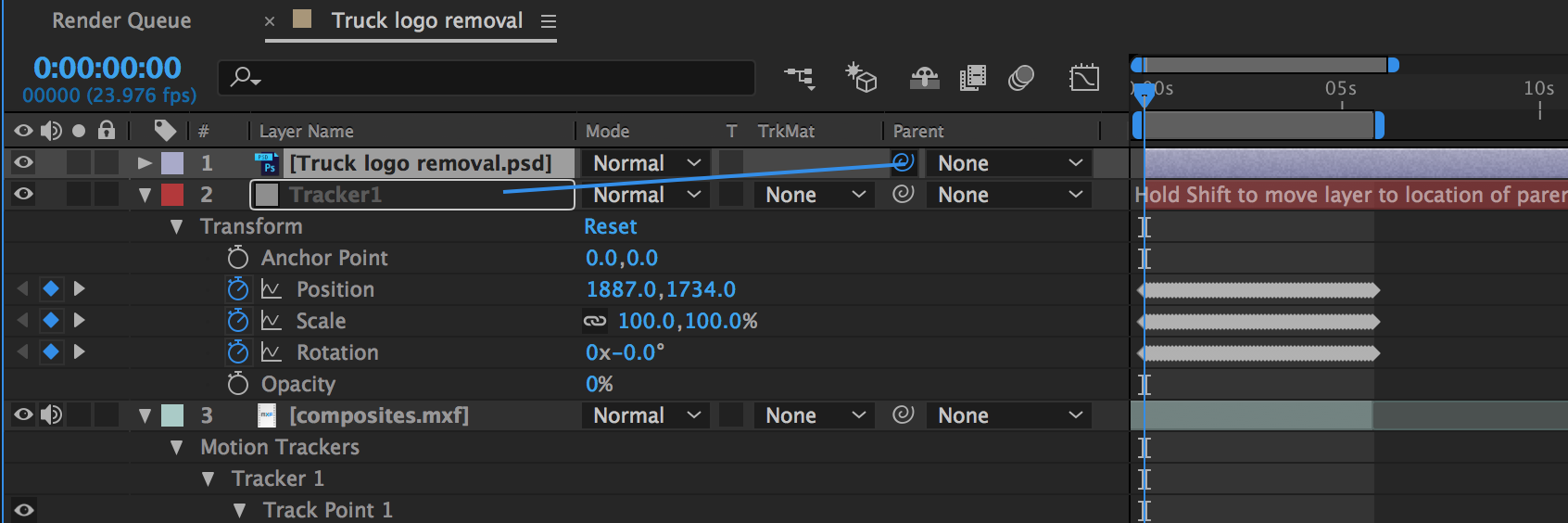
2. Create a Null object and rename 'Tracker1'.
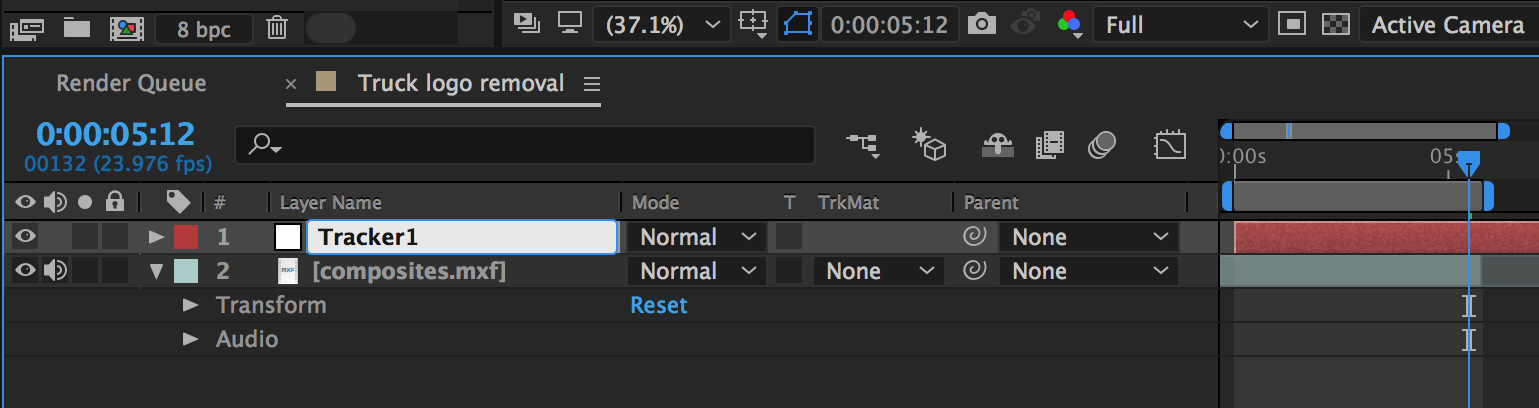
3. Track motion inside the scene. The key is to pick tracking points on the same plane as the logo you want to remove. Make sure to select scale, rotation and position and set 'edit target' to Tracker1. Click play to initiate the track and press apply to apply the track to the target (tracker1).
Keep in the that if there is a lot of perspective change, you will have much more issues removing with this method.
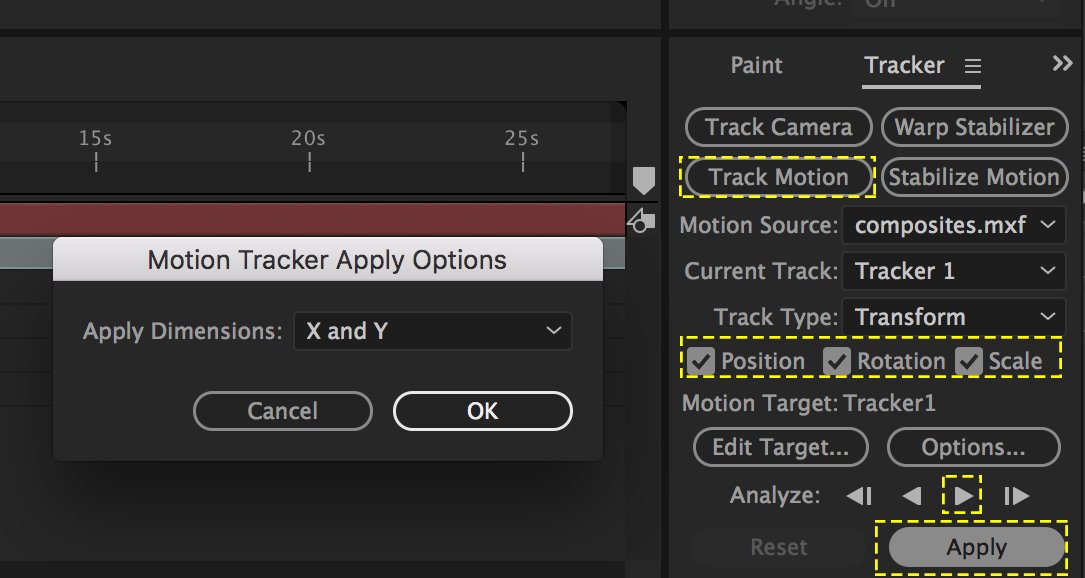
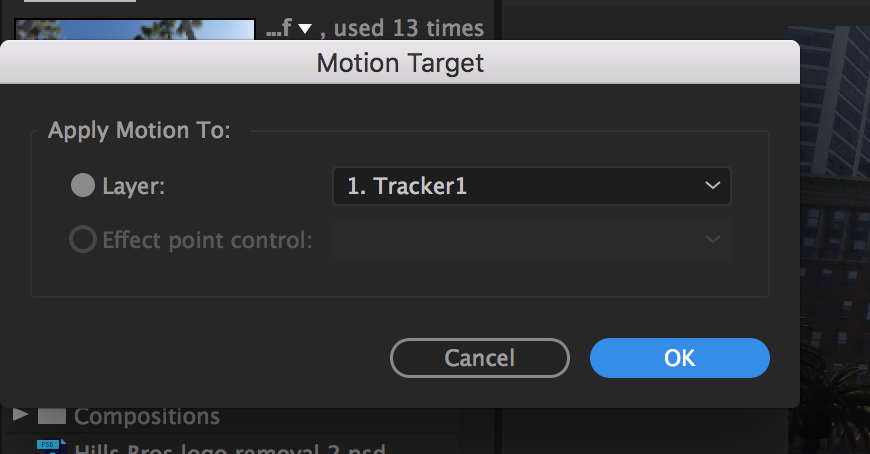
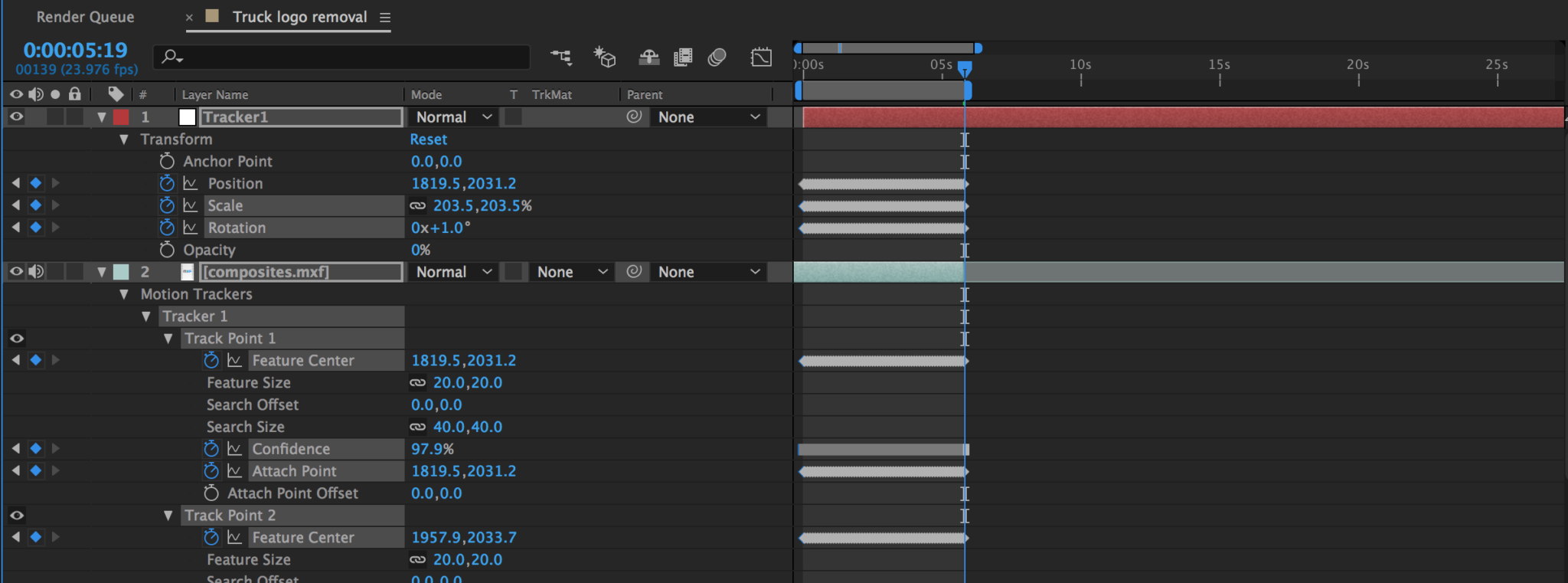
4. Apply tracking points to the null object (tracker1).
5. Export the first frame of your video clip.
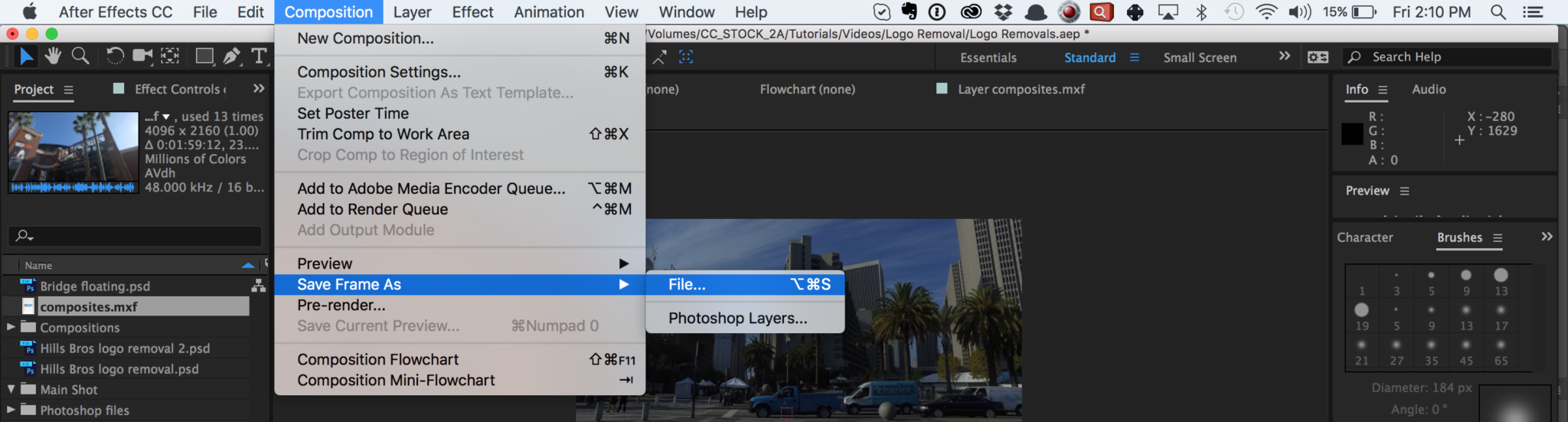
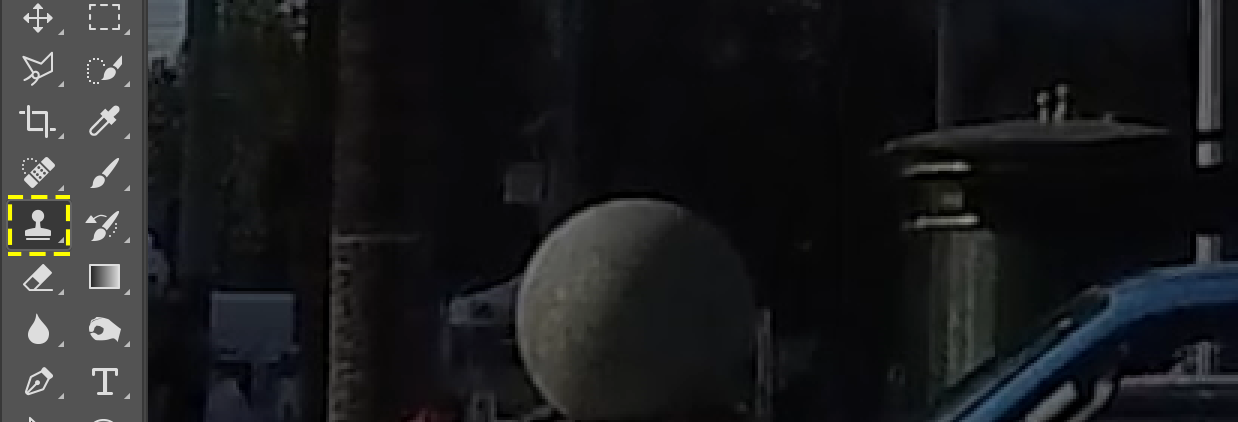
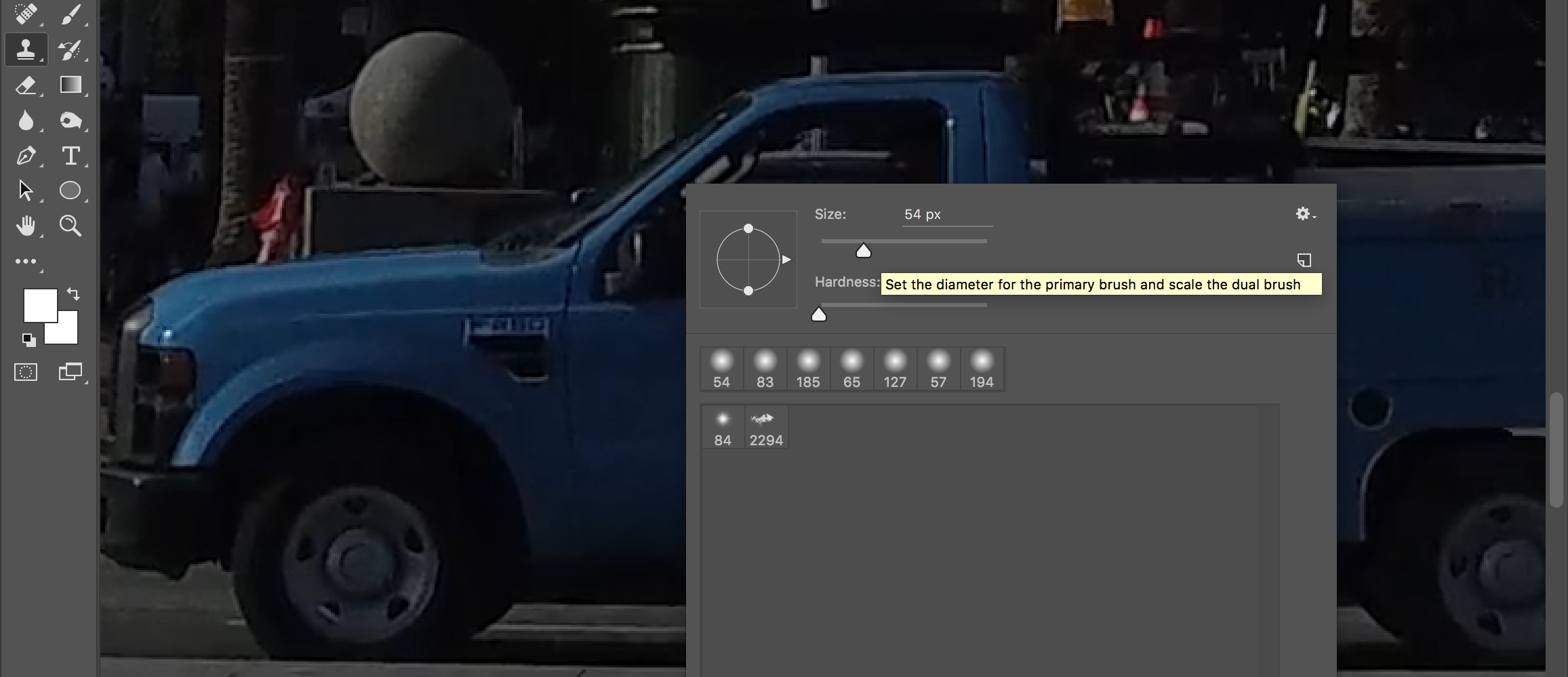
6. Open the image in photoshop and clone out the image. If you want, you can also use the clone stamp inside of After Effects to remove - however, I prefer working in Photoshop.
7. Import modified image back into After Effects and place on top of all layers. Parent it to the 'Tracker1' layer. Make sure to do this when on the first frame.
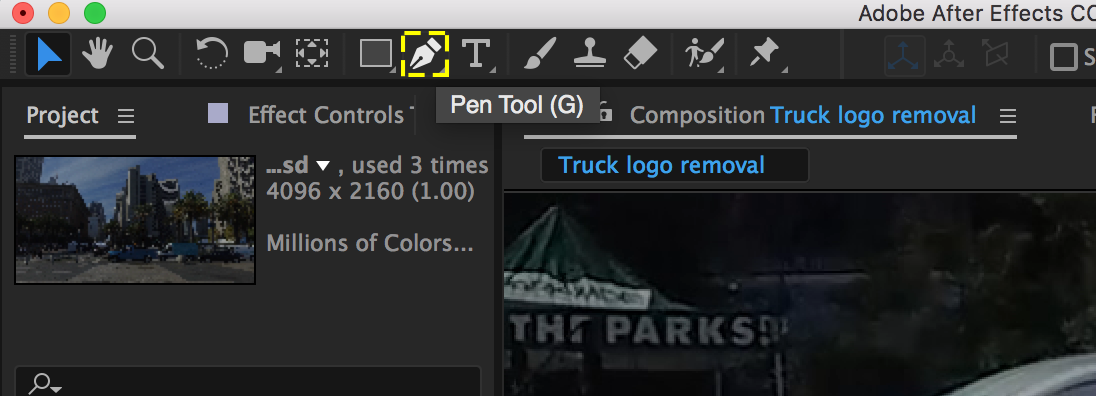
8. Using the Pen tool, mask out the section of the image you hope to replace.
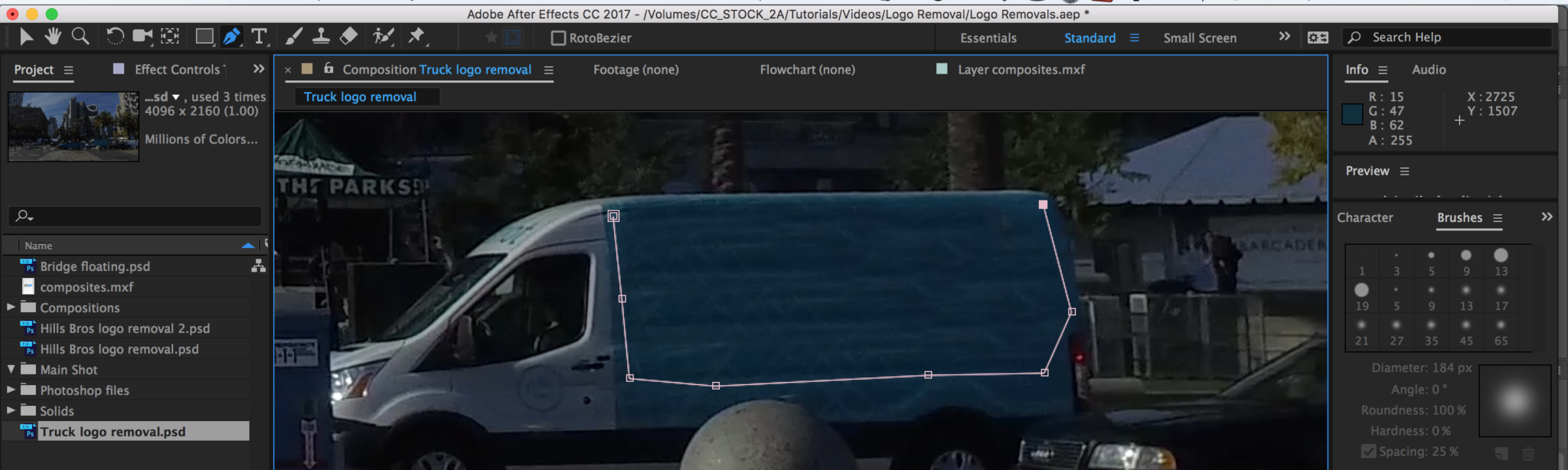
9. Modify mask as needed to work with given shot. You may need to track the mask based on the given shot. Check out the video for more details on tracking.
And that's it! I hope the method above worked for you. I know that is it definitely not the best way to do it but the process works for me in most cases. If you have any questions, comments and/or concerns, just let me know!
Documentary filmmaker, Nikon Ambassador and educator from Saskatchewan. Fifteen years of telling stories about land and people, and now helping other creatives build work that lasts through Cinescapes, Lasting Embers and field workshops.
More about Preston →
Comments (1)